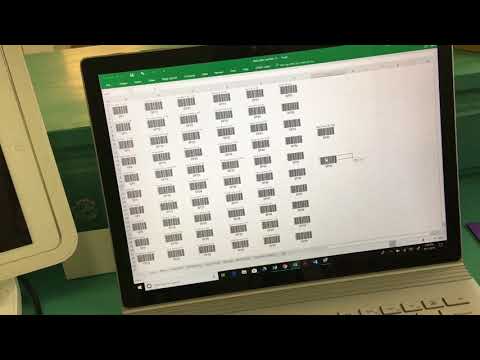
5 simple steps to create scannable and mobile barcode system from internal product SKUs for small business who wants to speed up in-personal sales or help internal inventory tracking. How to Create SKUs: ** New barcode generator that I found. It's free and it uses font to convert so it'll be faster. Video: Link: *-»¦«-·´¯`*♥*´¯`·-»¦«-* Business Tools I use: ♥ Connect with me: ♥ Website ---- ♥ Instagram ---- ♥ Facebook ---- ♥ Twitter ---- *-»¦«-·´¯`*♥*´¯`·-»¦«-* Thank you for watching! 00:30 What you need? 01:36 Disclaimer: not UPC barcodes 02:47 Why use a Barcode System? 06:25 Step 1: Setup SKUs 06:50 Step 2: Setup Square 09:22 Step 3: Setup Hardware 12:02 Step 4: Create Barcodes 14:48 Step 5: Print and Stick ♥ REFERENCE LIST: Scanner: Square: Barcode generators: - iBarcoder: - - *-»¦«-·´¯`*♥*´¯`·-»¦«-* For those who are new....* Hello! My name is Emily and I own my own business, Emii Creations, selling and designing merchandise and art for sale. My retail business started in 2018 and I mainly go to conventions, local shows, sell online, and sell wholesale to retails stores all over the country. I also have a small consignment partner in Taiwan in case you see my stuff there! Before Emii Creations I worked in the gaming/VFX industry for companies like Riot Games and Luma Pictures as a Pipeline TD/TA (lots of coding). You can find my credits on movies like Captain America: Civil War, Antman, and Dr. Strange. Although the VFX/Gaming world was so much fun, my dream has always been converting my side hustle into my full-time job and I'm so happy it's working out! Feel free to come and join my journey investing and growing my business, me, and my new channel! #smallbusiness #barcode #inventorymanagement
- 91962Просмотров
- 4 года назадОпубликованоEmiiCreations
[How To] make Scannable Barcodes from SKUs with Square || EmiiCreations
Похожее видео





Популярное
Новини